Two-factor authentication
for macOS
A native authenticator app for Mac. Local storage, encrypted with system keychain. No cloud sync, no tracking.
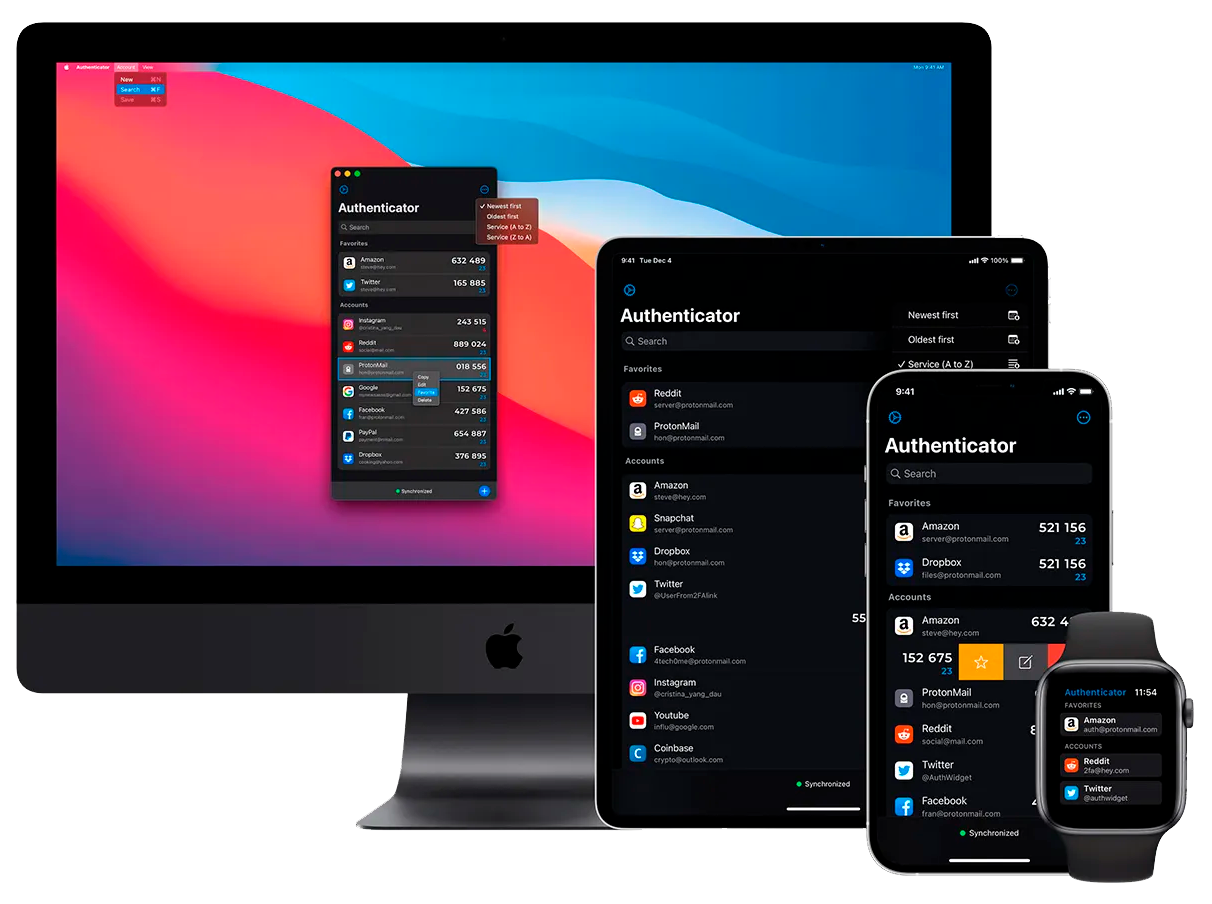
A native authenticator app for Mac. Local storage, encrypted with system keychain. No cloud sync, no tracking.
ShieldAuth uses local-first architecture with system-level encryption. All authentication data is stored securely on your device.
All data stored locally on your Mac. No cloud sync or external servers.
Encrypted using macOS Keychain with Touch ID or password protection.
No analytics, no telemetry, no network requests. Complete privacy.
MIT licensed. Audit the code yourself or contribute improvements.
Native macOS app designed for speed and efficiency.
Built with SwiftUI. Fast launch times, instant search, low memory footprint.
Global hotkey access and keyboard navigation throughout the interface.
Quick access from the menu bar without opening the main window.
Import from other authenticator apps via QR codes or manual entry.
Native apps for macOS, iOS, iPadOS, and watchOS.
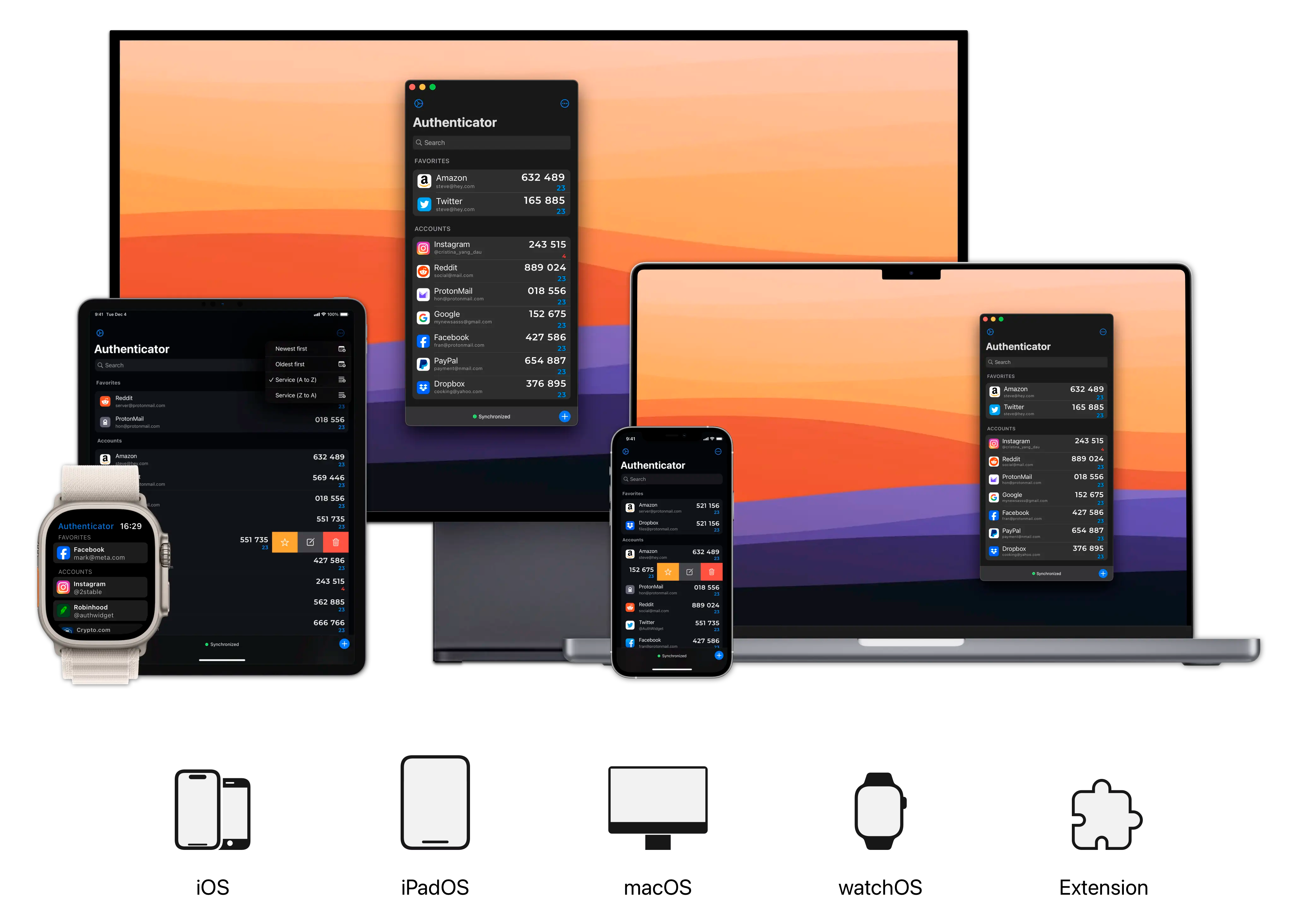
Simple setup with no account creation or cloud configuration.
Download from this site or GitHub. No registration required.
Scan QR codes or import from existing authenticator apps.
Set up Touch ID or password. Data encrypted with system keychain.
Use menu bar or keyboard shortcut to view codes.
Available for macOS 13.0 or later. Universal binary with support for Apple Silicon and Intel.